Before You Buy Another VRChat Asset: 17 Checks That Prevent Broken Builds
A practical way to inspect compatibility, dependencies, licensing, performance, and support before an attractive asset becomes an expensive Unity problem.
Ten detailed, evidence-led guides for creators working with VRChat assets, Unity, Poiyomi, VRCFury, AudioLink, and cross-platform avatars.
A practical way to inspect compatibility, dependencies, licensing, performance, and support before an attractive asset becomes an expensive Unity problem.
Polygons matter, but materials, skinned meshes, bones, particles, texture memory, and shader passes often decide how an avatar actually performs.
Learn a controlled material workflow for imports, presets, masks, lighting, emissions, outlines, and AudioLink without turning every inspector option on.
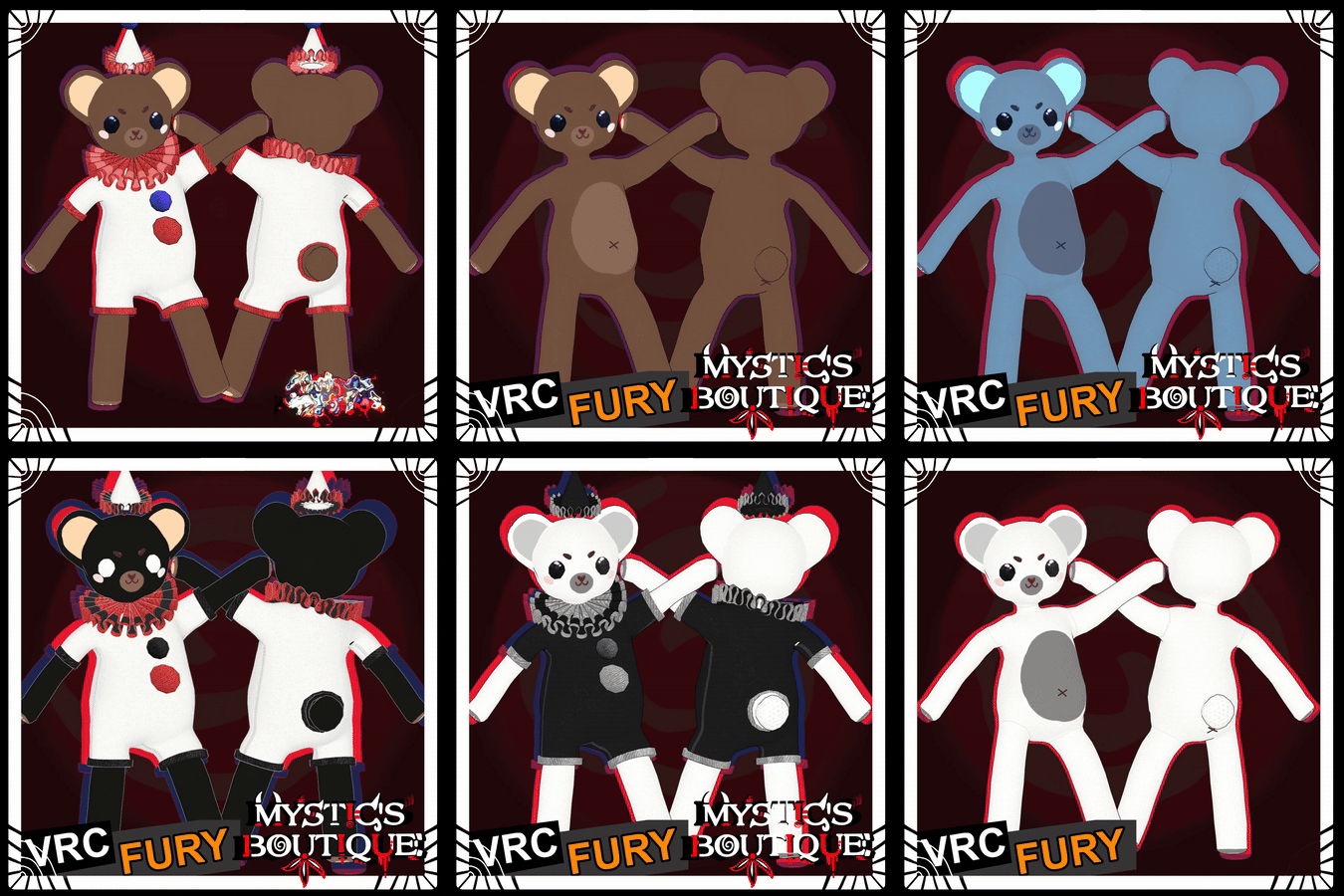
A careful component-by-component workflow for adding props, wearables, followers, toggles, and parameters while keeping the avatar hierarchy understandable.
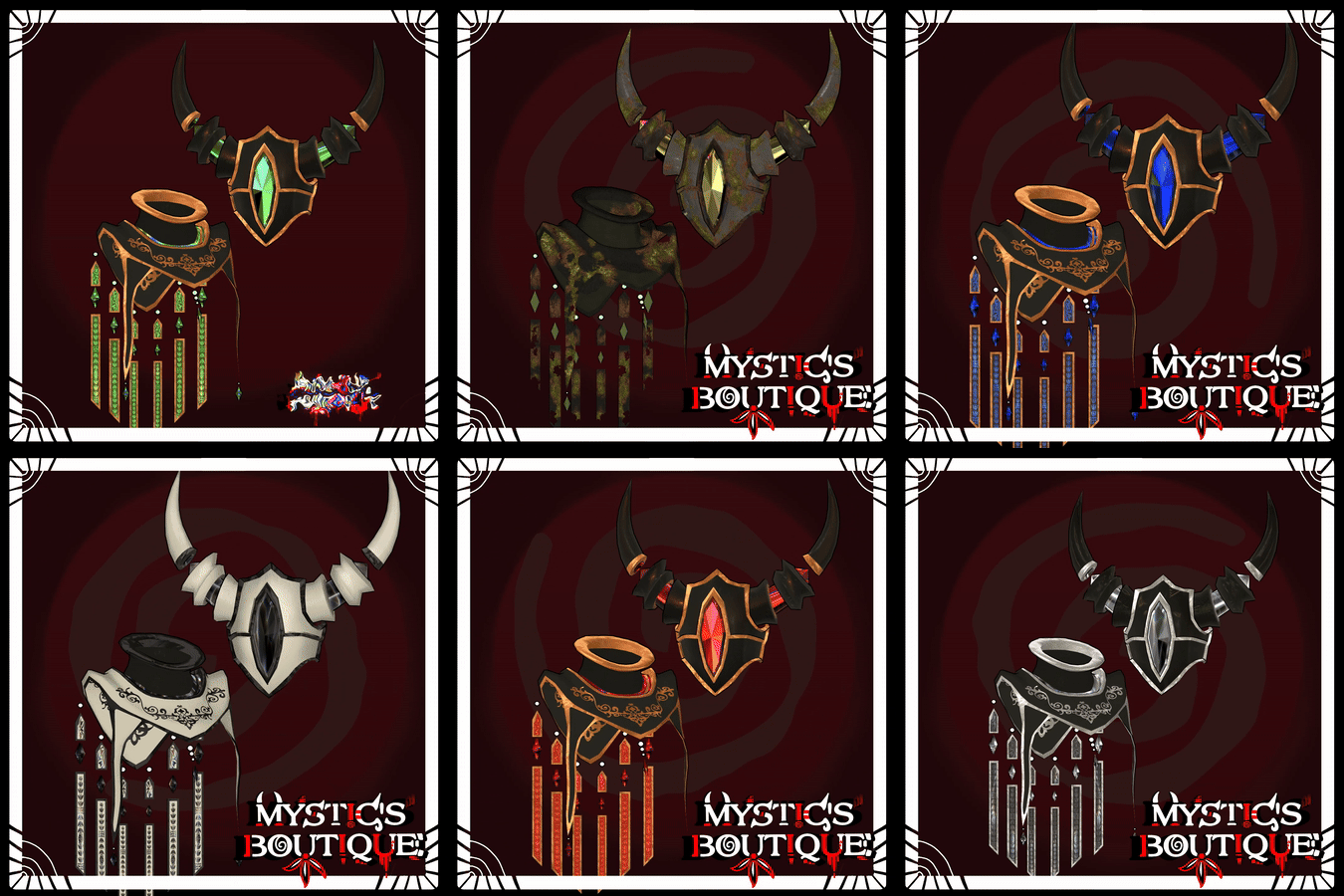
A feature-by-feature conversion guide for meshes, materials, shaders, particles, dynamics, menus, and visual hierarchy across PC and Android builds.
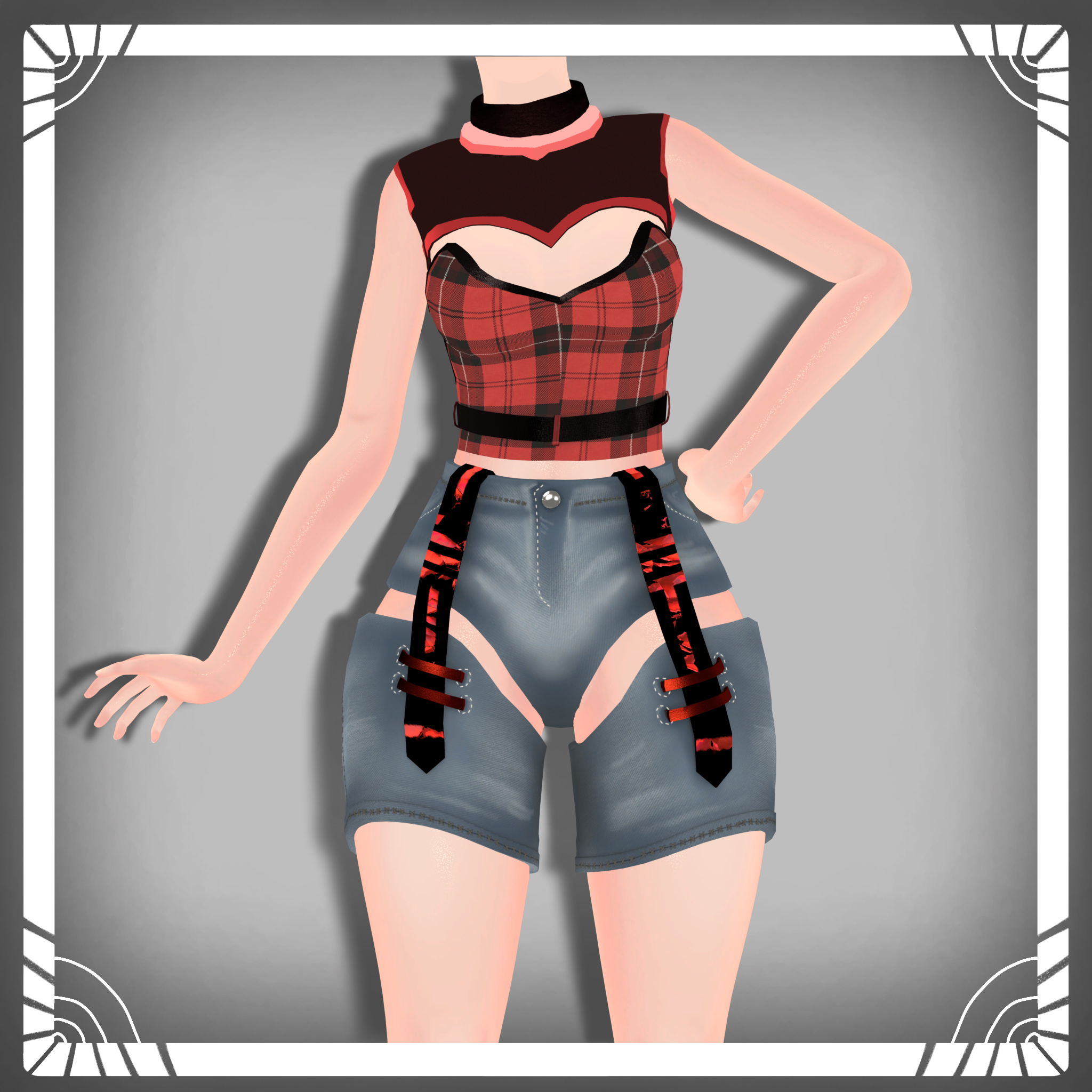
A recovery-first import sequence for VRChat projects that keeps SDKs, shaders, tools, and asset packages from stepping on one another.

A Blender-to-Unity fitting method for head accessories that preserves silhouette, expressions, weights, scale, and comfortable camera visibility.

A layered troubleshooting guide for worlds, shaders, material settings, channels, animation states, and safe fallback behavior.

Translate common storefront license labels into a practical project checklist for private avatars, public models, commissions, freebies, and paid releases.

A timed pre-publish routine covering console health, viewpoints, expressions, menus, dynamics, performance, cross-platform identity, credits, and recovery.